
Want the WhatsApp blue tick for your business? This guide explains everything you need to know — including eligibility, costs, and the step-by-step process for both the WhatsApp Business App and WhatsApp Business API.
We’ll also explain why the API route is the most reliable way to get verified and how Intelli helps businesses apply correctly.
What Is the WhatsApp Blue Tick?
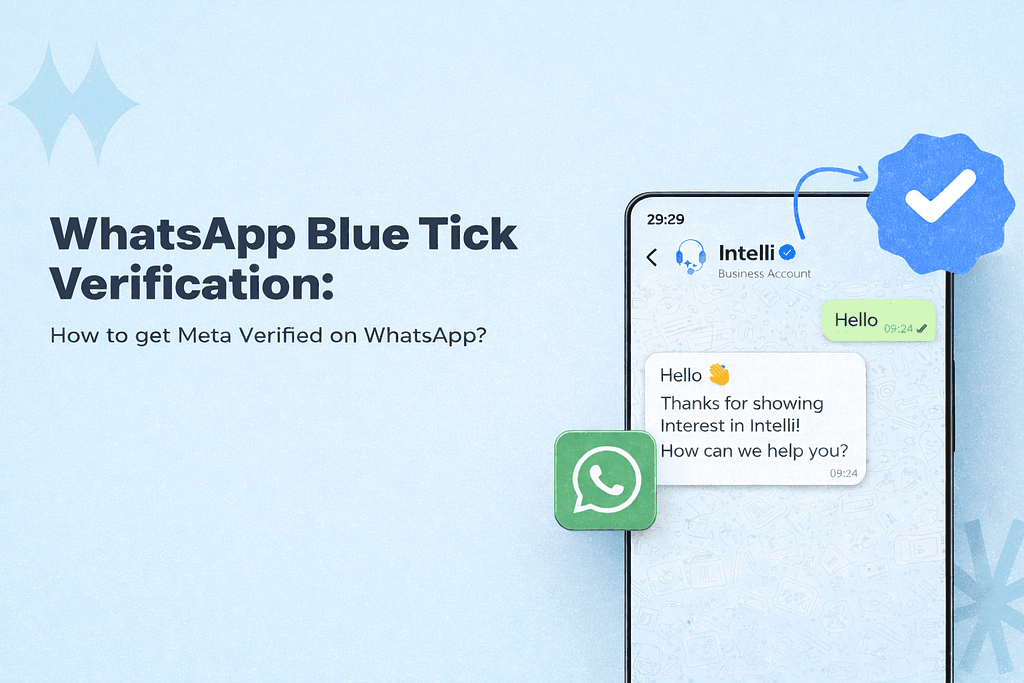
The WhatsApp blue tick (also known as the Verified Business Badge) confirms that a business account has been reviewed and approved by Meta. It signals to users that they’re chatting with an official, authentic business, not an impersonator.
Once verified:
- Your business name appears prominently in chats
- Customers are more likely to open and respond to messages
- Your brand gains added credibility on WhatsApp
Why the WhatsApp Blue Tick Matters
Getting verified on WhatsApp is more than a badge — it directly impacts engagement and conversions.
Key benefits of the WhatsApp Blue Tick
- Higher trust and open rates — Users recognize verified businesses instantly
- Brand visibility — Your business name shows even if the contact isn’t saved
- Impersonation protection — Only one account can use your verified name
- Stronger conversion signals — Verified brands outperform regular accounts
For businesses using WhatsApp as a marketing or customer engagement channel, verification is a meaningful advantage.
WhatsApp Business App vs WhatsApp Business API
There are two ways to get the blue tick, depending on how your number is set up.
WhatsApp Business App
- Free app for small businesses
- Limited automation and broadcast capabilities
- Verification is paid and availability depends on region
- Suitable for very small or local businesses
WhatsApp Business API
- Built for growing and established businesses
- Supports automation, broadcasts, integrations, and AI
- Blue tick verification is free
- Requires an official API provider like Intelli
If verification, scale, and marketing are priorities, the API is the better option.
How to Get the WhatsApp Blue Tick on the Business App
Businesses can apply directly from the WhatsApp Business App through Meta Verified.
Basic eligibility
- A complete business profile (name, photo, category)
- Recent activity on the app
- Availability of Meta Verified in your country
- Compliance with Meta and WhatsApp policies
Verification on the app involves a monthly subscription, and approval is still subject to Meta’s discretion.
How to Get the WhatsApp Blue Tick on WhatsApp Business API (Recommended)
This is the most reliable and scalable method.
What you need
- A legally registered business
- A verified Meta Business Manager
- An approved WhatsApp display name
- A WhatsApp Business API setup
This is where Intelli simplifies the process.
Getting the WhatsApp Blue Tick with Intelli
Intelli is an official Meta Technology Provider that helps businesses onboard to WhatsApp Business API and submit verification requests correctly.
Step 1: WhatsApp Business API setup
Intelli helps you:
- Verify your Meta Business Manager
- Register your WhatsApp number on the API
- Configure your official business profile
Step 2: Display name approval
Your business name must:
- Match your legal or publicly recognized brand
- Be consistent across your website and social platforms
- Avoid promotional language
Incorrect naming is the most common reason for rejection.
Step 3: Submit blue tick verification
Once your account is live:
- Intelli submits the verification request to Meta
- Meta reviews brand credibility and compliance
- Approved accounts receive the blue tick
⏱️ Review timelines typically range from a few days to a few weeks.
Must Have Requirements
While Meta doesn’t publish fixed criteria, these factors matter:
- WhatsApp API Setup — Your business must have completed the setup of the WhatsApp API through an official provider like Intelli
- Meta Business Account Verification — You need you have your Meta business account verified. This verification is required to show the legitimacy of your business on Meta’s platforms.
- Display Name Approval — Your display name on WhatsApp must be approved. This name is the identity of your business on WhatsApp and should be recognizable and relevant to your brand.
- Two-step Verification — You should also have two-step verification enabled
- Media Presence — You must have presence online and have at least 5 pieces of organic content like PR articles, blog posts on major publications, covered by news/media outlets, etc. Paid PR articles do not count
How Much Does the WhatsApp Blue Tick Cost?
- WhatsApp Business App: Paid subscription (varies by region and plan)
- WhatsApp Business API: The blue tick itself is free
(You only pay standard API messaging costs)
Common Reasons Blue Tick Applications Get Rejected
- Inconsistent business details or documents
- Restricted business categories (Drugs, Tobacco items, Alcohol brands, Gambling businesses, Weapons and ammunition, Live animals, Adult products and services, Medical and healthcare products, Dating services, Cryptocurrencies)
- Weak or unclear online presence
- Policy violations or past non-compliance
If rejected, businesses can usually reapply after 30 days.
💡Final Thoughts
The WhatsApp blue tick is a powerful trust signal — especially for businesses using WhatsApp for marketing, sales, and customer engagement.
For growing brands, the WhatsApp Business API offers the best combination of verification, automation, and scale. Working with Intelli ensures your setup and verification request are done correctly from day one.
Want to get verified on WhatsApp Business API?
Set up WhatsApp Business API on Intelli or Talk to our Team


