
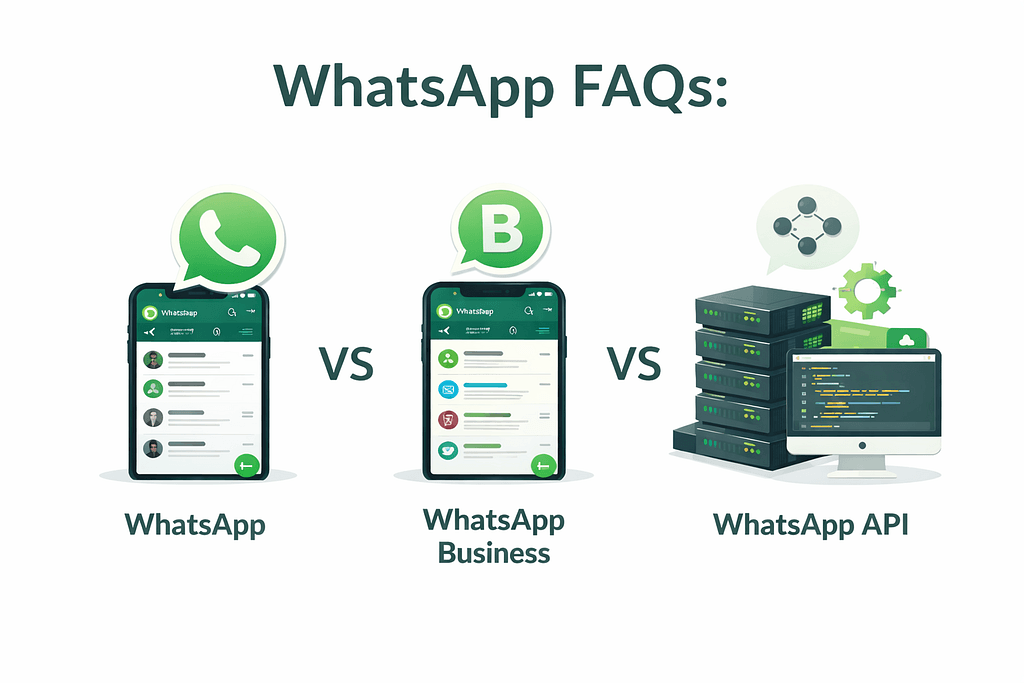
Choosing the right WhatsApp option for your business can be confusing. Many people hear terms like WhatsApp Business, WhatsApp Business API, bulk messaging, or chatbots and are not sure what they actually mean or which one they need.
This FAQ section answers the most common questions businesses ask about using WhatsApp for customer communication, sales, and support.
Whether you are just starting out or already handling a high volume of messages, these answers will help you understand how WhatsApp works for businesses in 2026 and when it makes sense to upgrade to more advanced tools.
FAQs: WhatsApp, WhatsApp Business & WhatsApp Business API
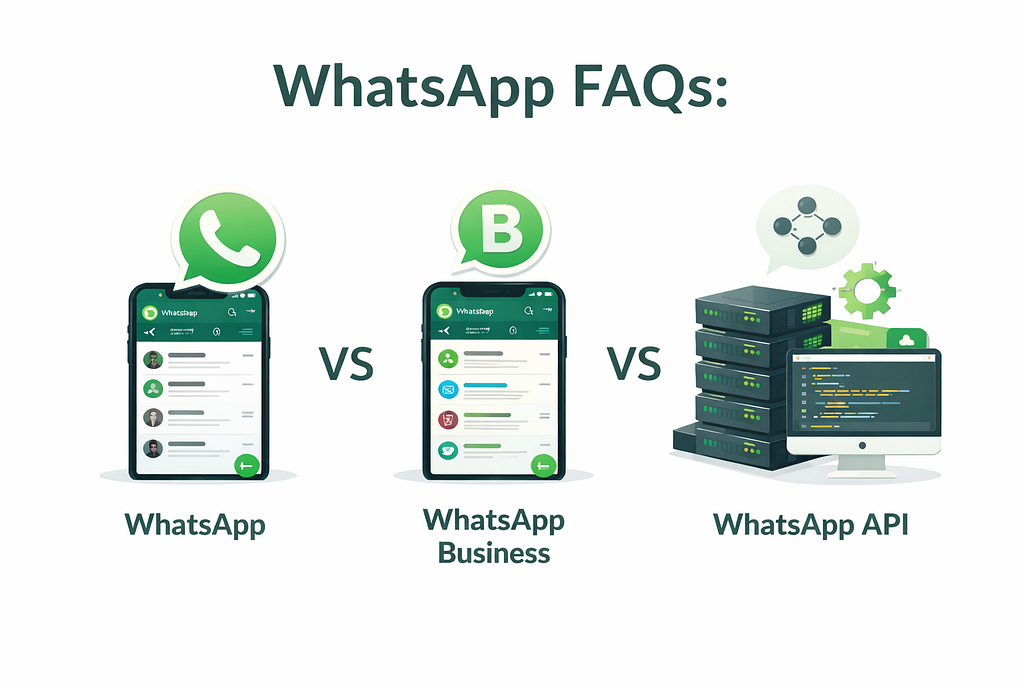
1. What is the difference between WhatsApp and WhatsApp Business?
WhatsApp is meant for personal conversations. WhatsApp Business is designed for small businesses and includes tools like a business profile, product catalog, and quick replies to help manage customer chats.
2. Is WhatsApp Business free to use?
Yes. The WhatsApp Business App is free to download and use. However, it has limitations such as one user, no advanced automation, and no reporting.
3. What is WhatsApp Business API?
The WhatsApp Business API is a scalable version of WhatsApp built for businesses that handle a large number of customer conversations. It supports multiple users, automation, integrations, and analytics.
4. Is WhatsApp Business API only for large companies?
No. The API is for any business that receives a high volume of messages or wants automation. Many small and medium-sized businesses use it to manage growth without increasing staff.
5. Can I use WhatsApp Business API on my phone?
No. The API is not a mobile app. It works through a platform like Intelli, where your team can reply from a shared inbox on desktop or web.
Bonus: Can I Use WhatsApp Business API on My Existing Number?
Yes. With Intelli, you can use WhatsApp Coexistence, which allows you to keep your existing WhatsApp Business App number while also using the WhatsApp Business API.
This means your business can continue using WhatsApp on mobile, while your team manages automation, broadcasts, and a shared inbox through Intelli — without changing numbers or disrupting customers.
Want to learn how WhatsApp Coexistence works?
Read the full blog on WhatsApp Coexistence.
6. How do I get access to WhatsApp Business API?
You cannot sign up directly from WhatsApp. You need an official solution provider like Intelli to apply, set it up, and manage the account.
7. How long does WhatsApp Business API setup take?
Setup usually takes 3–14 working days, depending on business verification and configuration.
8. Can I send bulk messages with WhatsApp Business API?
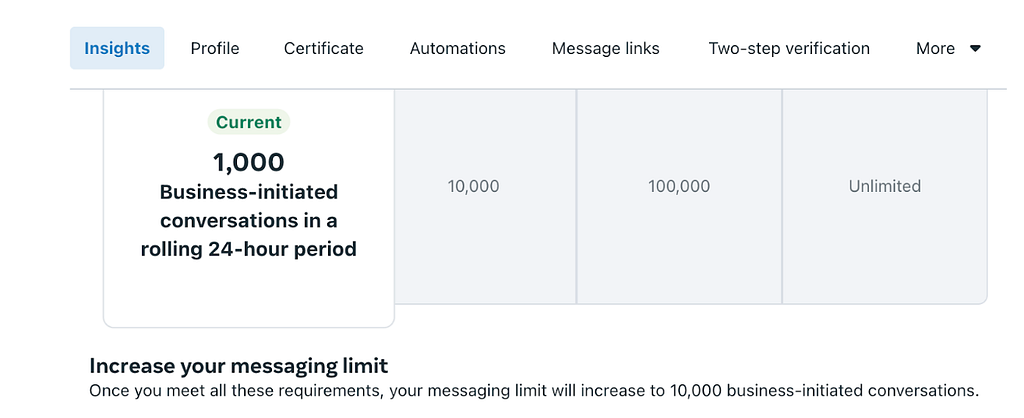
Yes, but messages must follow WhatsApp’s rules to bulk broadcasts. Businesses can send approved templates for updates, reminders, promotions, and announcements using platforms like Intelli.
Businesses can send up to 100,000 to unlimited WhatsApp broadcasts messages per day using WhatsApp Business API.
9. Can I use chatbots and automation on WhatsApp?
- WhatsApp Personal: No
- WhatsApp Business App: Very limited (quick replies only)
- WhatsApp Business API: Yes, with full chatbot and workflow automation
10. Can multiple people reply to customers at the same time?
Only with the WhatsApp Business API. Intelli provides a shared team inbox, so multiple agents can respond from one WhatsApp number.
11. Can WhatsApp Business API integrate with other tools?
Yes. The API can connect to CRMs, internal systems, and other platforms, allowing businesses to manage customer data and conversations in one place.
12. Does WhatsApp Business API work in Ghana, Kenya, and other African countries?
Yes. WhatsApp Business API is available across Africa, including Ghana and Kenya, as long as the business meets WhatsApp’s requirements.
13. Can I send images, videos, and documents using WhatsApp Business API?
Yes. Businesses can send documents, images, videos, brochures, invoices, and other files just like regular WhatsApp.
14. Can WhatsApp Business API help with customer support?
Yes. Many businesses use it to offer faster replies, 24/7 support with automation, and better tracking of customer issues.
15. When should a business move from WhatsApp Business App to the API?
If your business:
- Gets many customer messages daily
- Runs campaigns or promotions
- Needs faster replies
- Has more than one person handling chats
Then it is time to move to WhatsApp Business API.
How can I get started with WhatsApp Business API?
To get started with the WhatsApp Business API, you first need to gather the onboarding and KYC requirements Meta requires, which vary slightly by country.
Intelli shares the full checklist with you and supports you throughout the process, guiding you on exactly what is needed for your location and business.
To begin, you can book a demo or email [email protected], and the team will help you get set up quickly.


