Run Intelli from ChatGPT, Claude or any AI assistant
Install Intelli in ChatGPT in one click, or connect Claude and other assistants with our MCP URL. Then ask in plain language: check today's WhatsApp chats, launch a campaign, update a contact or draft a chatbot flow. You approve every message before it goes out.
https://mcp.intelliconcierge.com/mcp
Using Claude, Cursor or another MCP client? Paste this URL, then sign in with your Intelli account.
No Intelli account? Get started freeChoose your AI
See the exact setup, then copy a prompt tailored to your client.
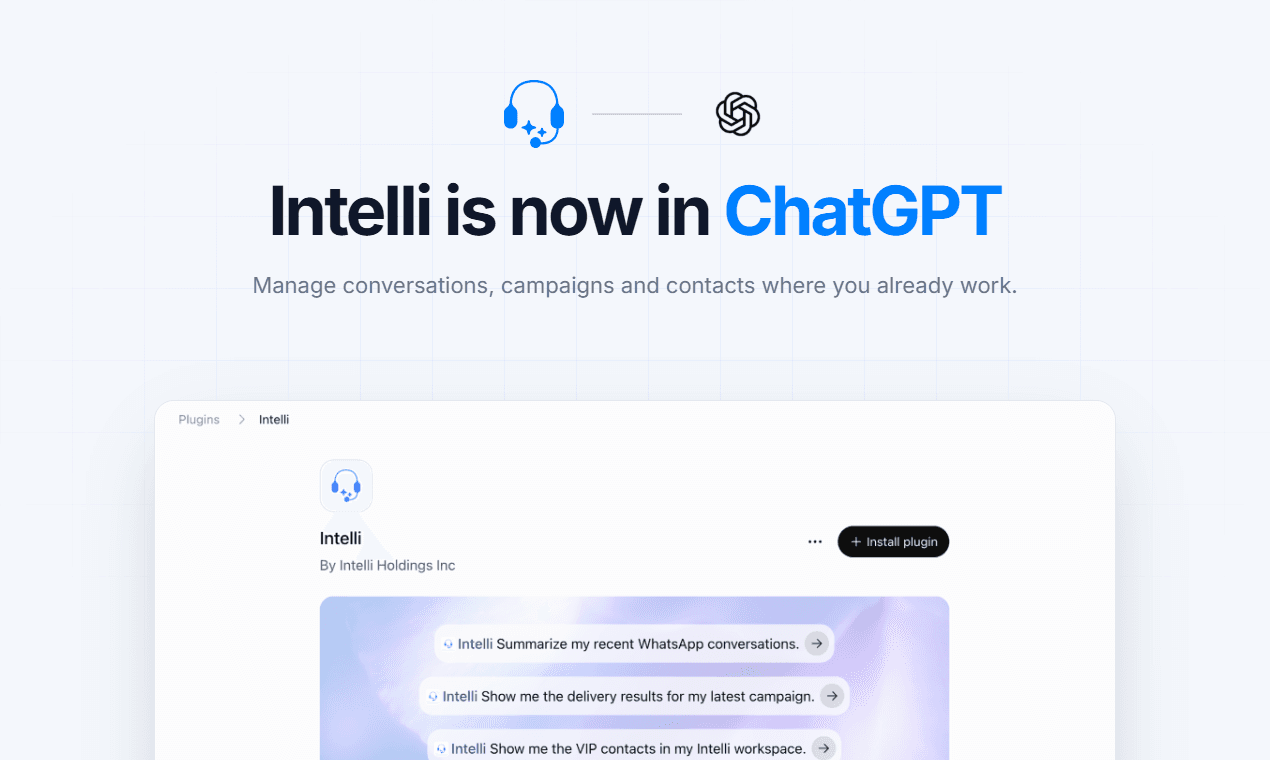
 Plugins›Intelli
Intelli
By Intelli Holdings Inc
@Intelli Summarize my recent WhatsApp conversations.
@Intelli Show me the delivery results for my latest campaign.
One-click install
Install Intelli from the ChatGPT plugin directory
Sign in with your Intelli account, then mention @Intelli in any chat. No developer mode or API key.
Add to ChatGPTlist_templatescreate_whatsapp_campaignvalidate_whatsapp_campaignFind Intelli in the ChatGPT plugin directory
Search for Intelli, sign in, and you're set. No developer mode, custom connector or API key. Mention @Intelli in any chat, on web or mobile.
Your whole Intelli workspace, one message away
The AI works with the same conversations, contacts, templates and assistants you see in the dashboard. A few things people ask it:
“Summarize today's unanswered WhatsApp chats and flag anyone asking about refunds.”
Reads your recent conversations and message history, then reports back. Nothing is sent.
“Send the order_ready template to everyone tagged VIP, tomorrow at 9am Nairobi time.”
Builds a draft campaign, validates it, and shows you the audience count and preview before scheduling.
“Add Test Contact, +1 555 0100, and tag them as a webinar lead.”
Creates the contact with the tag. Adding a contact never sends them a message.
“Draft a welcome flow with Billing, Sales and talk-to-a-human branches.”
Creates a draft chatbot flow you can open and edit in the Intelli flow builder.
“Add our new returns policy to the support assistant's knowledge.”
Uploads the document to the assistant and reports when it has finished processing.
“Put the linen shirt on sale at 2,500 KES until stock runs out.”
Updates the product in your Intelli store and confirms the saved price back to you.
Connect in three steps
In ChatGPT, install the Intelli plugin. Other clients use the same MCP URL. Either way you sign in with your Intelli account, with no API keys to create or paste.
ChatGPT
- 01Open Intelli in the ChatGPT plugin directory, or search for Intelli under Plugins.
- 02Click Install plugin and sign in with your Intelli account.
- 03Mention @Intelli in any chat to get started.
Works in ChatGPT on web and mobile. Some workspaces restrict plugins. Ask your workspace admin if Install is unavailable.
 Claude (web and desktop)
- 01Open Settings, then Connectors.
- 02Choose Add custom connector and paste the Intelli MCP URL.
- 03Click Connect and sign in with your Intelli account.
Claude Code
- 01Run this command, then type /mcp inside Claude Code to sign in.
claude mcp add intelli --transport http https://mcp.intelliconcierge.com/mcp
 Cursor and other MCP clients
- 01Add Intelli as a remote (streamable HTTP) server in your client's MCP settings.
- 02The client opens a browser window for you to sign in the first time.
{
  "mcpServers": {
    "intelli": {
      "url": "https://mcp.intelliconcierge.com/mcp"
    }
  }
}Check that it works
Ask your assistant “Which Intelli organizations can you see?” It should list the organizations on your account. If you only see a sign-in error, remove the connector and add it again.
Nothing reaches a customer until you say so
The AI can send real WhatsApp messages and launch real campaigns, so every tool that acts on your behalf is built to stop and check with you first.
You approve every change
Reading is instant. Anything that sends, creates, edits or deletes waits until you confirm the exact recipient, content and count.
Your account, your permissions
The AI signs in as you and can only reach the organizations and actions your Intelli role allows. Channel access tokens are never shown to it.
No blind retries
If a send or save times out, the AI checks what actually happened before trying again, so customers never get the same message twice.
Changes are checked after saving
Edits to assistants, contacts, products and automation are read back after saving. A mismatch is reported to you, not hidden as success.
Sent is not the same as delivered
When the AI reports a message as accepted or a campaign as scheduled, that means WhatsApp received the request. Ask for the campaign's statistics to see actual delivery and read rates.
89 tools across your workspace
You never need to call these by name. They are listed here so you know exactly what the AI can and cannot do inside Intelli.
Account and channels 4
whoamilist_whatsapp_numberslist_chat_channelslist_automation_channelsConversations and live chat 6
list_conversationsget_conversation_messageslist_chat_conversationsget_chat_messagesset_conversation_handlersend_chat_messageTemplates and campaigns 15
list_templatesget_whatsapp_templatecreate_whatsapp_templaterefresh_whatsapp_template_statuslist_template_button_mappingssend_whatsapp_templatelist_campaignscreate_whatsapp_campaignget_whatsapp_campaignget_whatsapp_campaign_statisticsadd_campaign_recipientsvalidate_whatsapp_campaignrun_whatsapp_campaigncancel_whatsapp_campaigndelete_campaignContacts 10
list_contactsget_contactcreate_contactupdate_contactdelete_contactlist_contact_tagscreate_contact_tagdelete_contact_taglist_contact_custom_fieldscreate_contact_custom_fieldAI assistants and automation 13
list_assistantsget_assistantcreate_assistantupdate_assistantdelete_assistantget_assistant_configurationupdate_assistant_configurationget_automation_settingsset_automation_modelist_assistant_knowledgeget_assistant_knowledge_fileupload_assistant_knowledgedelete_assistant_knowledge_fileChatbot flows 14
list_flowsget_flowcreate_chatbot_flowupdate_flowduplicate_flowdelete_flowvalidate_flowpublish_flowunpublish_flowget_flow_statsget_flow_analyticslist_flow_executionsget_flow_executioncancel_flow_executionWebhooks 4
list_inbound_webhooksget_inbound_webhookget_inbound_webhook_logslist_webhook_destinationsInstagram and website widgets 12
list_instagram_accountslist_instagram_channelsget_instagram_channelcreate_instagram_channelupdate_instagram_channeldelete_instagram_channellist_website_widgetsget_website_widgetget_widget_embed_codecreate_website_widgetupdate_website_widgetdelete_website_widgetCommerce 11
list_store_productsget_store_productcreate_store_productupdate_store_productdelete_store_productadd_product_imagesync_product_to_metalist_store_cataloguessync_catalogueget_storefrontcustomize_storefrontWhat still happens in the dashboard
- Chat replies are text only. Images, files and voice notes still go through the Intelli inbox.
- Knowledge uploads are limited to 2 MB per file. Use the dashboard for larger files. Spreadsheets are not supported yet.
- The AI cannot crawl a website into an assistant. Paste or upload the page content as a document instead.
- Product images and variants are managed in the dashboard. The AI can edit names, prices, stock and visibility.
- Products in your Meta catalogue are not changed. Edits apply to your Intelli store.
Frequently Asked Questions
Everything you need to know about connecting your AI assistant to Intelli.